
A customer sends a spreadsheet. Fifty columns, their product names, their date format, their units. Someone on your team spends an hour turning it into your format, loads it into Salesforce, adds the prices, exports it, and converts it back into the customer’s format. Then sends it.
The part that earned money took ten minutes. Setting a price next to each line. The other fifty minutes were copying.
A computer could do that copying, and the person doing it knows exactly how: which columns matter, which customer writes dates backwards. What they lacked was a way to tell the computer. Now a plain description is enough for AI to write the program. The open question is whether you can trust that program with your prices.
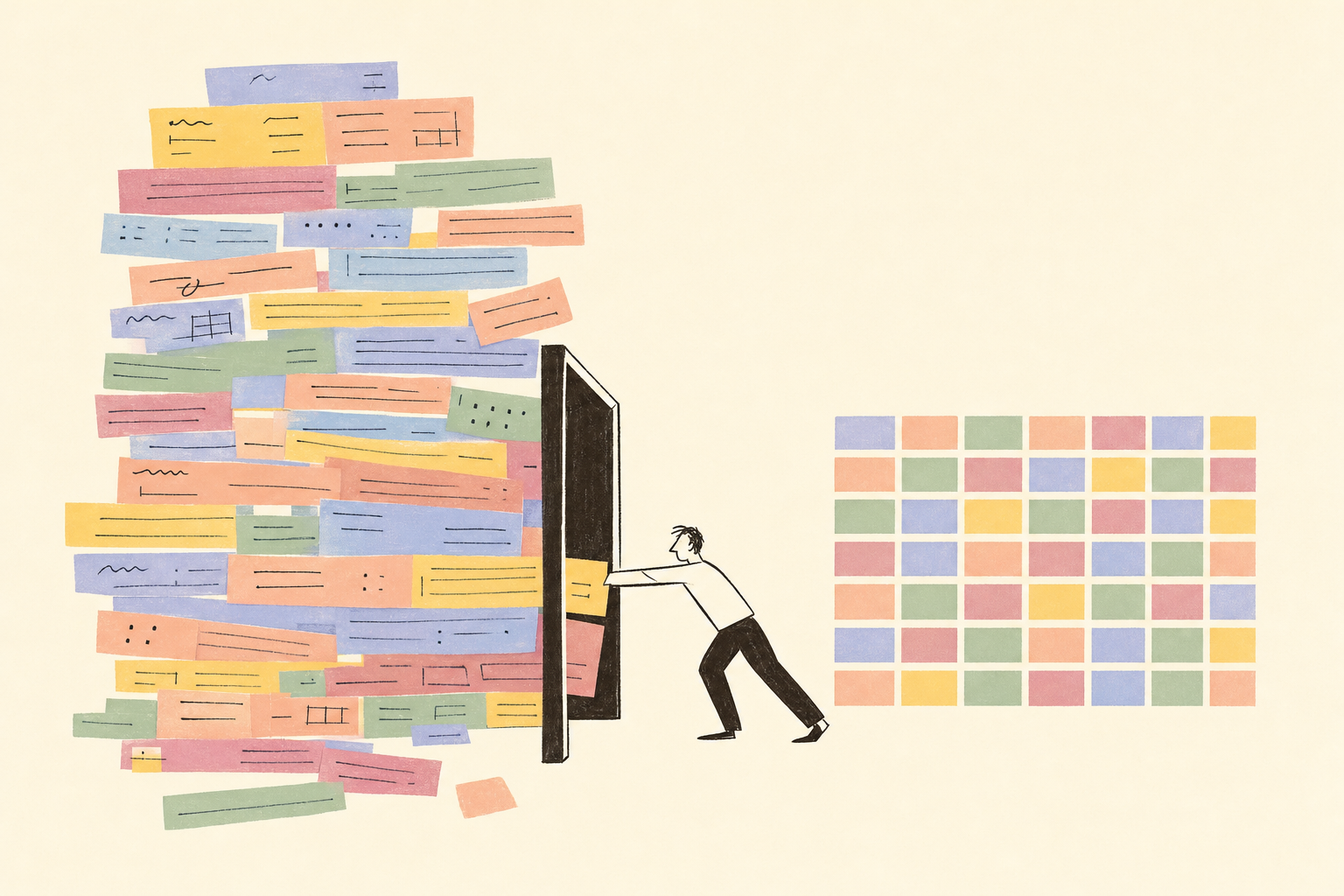
Why this hasn’t worked before
There have always been two ways to make a computer do a job like that.
Code. A developer writes a script that reads the file, maps the columns, loads the records. It runs the same way every time. It also costs a developer, takes days, and breaks the moment a customer renames a column.
AI. You paste the file into a chat and ask it to convert the data. It copes with the renamed column. It also gets a number wrong on row 212, and next week it does the job slightly differently. You can’t ship your pricing on that.
Code is repeatable but rigid. AI is flexible but not repeatable. For years you had to pick one.
Use both, in a fixed order
The way out is to use both, in a fixed order.
You explain the job. In your own words, in the chat. “When a customer sends an RFQ as Excel, convert it to our import template, load it into Salesforce, and when I’m done pricing, export it back in their format.”
The AI studies how the work is done. Before it builds anything, it looks at what exists. How your colleagues did the same job last month. Which scripts and automations your company already has. What fields your Salesforce has, what the import template looks like, what you’re allowed to touch.
It writes the code. Not a one-off answer. A small program that will do the same thing next week, and the week after. The parts that need judgement, like guessing that “Qty (pcs)” means quantity, go to the AI model. The parts that must be exact, like counting rows and matching product codes, go to code.
It runs it and shows you. Here’s the converted file. Here are the three columns it wasn’t sure about. Here’s what it’s about to write into Salesforce.
You approve. Then it saves. Nothing lands in your systems until you’ve looked at it. Once you say yes, the automation is stored and ready for the next RFQ.

That last step matters. A chat model that gets it right four times out of five is a party trick. A script that got checked by a human once and now runs the same way every time is a tool.
The small ones count too
Not every job is a fifty-column spreadsheet. Most are one sentence.
“When this item arrives at the warehouse, tell me.”
“When stock of this product hits zero, email the supplier and ask for a lead time.”
“Every Monday, send me the deals that haven’t moved in two weeks.”
Each one is a few lines of code someone had to write. Nobody ever wrote them, because nobody was going to open a ticket for a reminder. Now you say it once. It writes the lines, runs them, and keeps running them.

Your system, not a demo
The automation runs in the tools you already have. Salesforce, SAP, Zoho, your mailbox, your spreadsheets. It connects through their own interfaces, reads what’s there, and writes back where you tell it to. There’s no second database to keep in sync, no new place to log in.
And the person who builds it is the person who does the job. They know which columns matter, which customers are fussy, what “urgent” means on a Friday. That knowledge used to sit in their head and in a dozen manual steps. Now it sits in a tool their whole team can run.
So pick the file that arrives in the wrong shape every week, and write down in plain words how you fix it. That description is already most of the automation.