
Monday morning, and a customer emails about an order. You open the CRM to find them, then a spreadsheet to check the price, then go back to the email to write the answer. Three apps, and you carry the answer between them by hand: copy, switch, paste, retype.
The software that sets this up is your operating system: Windows or macOS on your laptop, iOS or Android on your phone. It’s the layer underneath everything else, the part that opens apps, keeps your files and draws the windows. All four are built around the same idea. You pick an app, and your work lives inside it.
Take a client of ours. Their team got a new system for pricing customer requests. To get the work done, they downloaded the price list into Excel, added a column for each product manager, emailed the file to all of them, and copied the answers back into one file. That was the real process, and the new system never saw it.
Nobody on that team did anything wrong. They did what every operating system asks of you, and became the glue between apps. A program used to take months to build, so that was a fair trade. Now it takes an afternoon, so the trade is worth a second look.

Every operating system makes the same choice
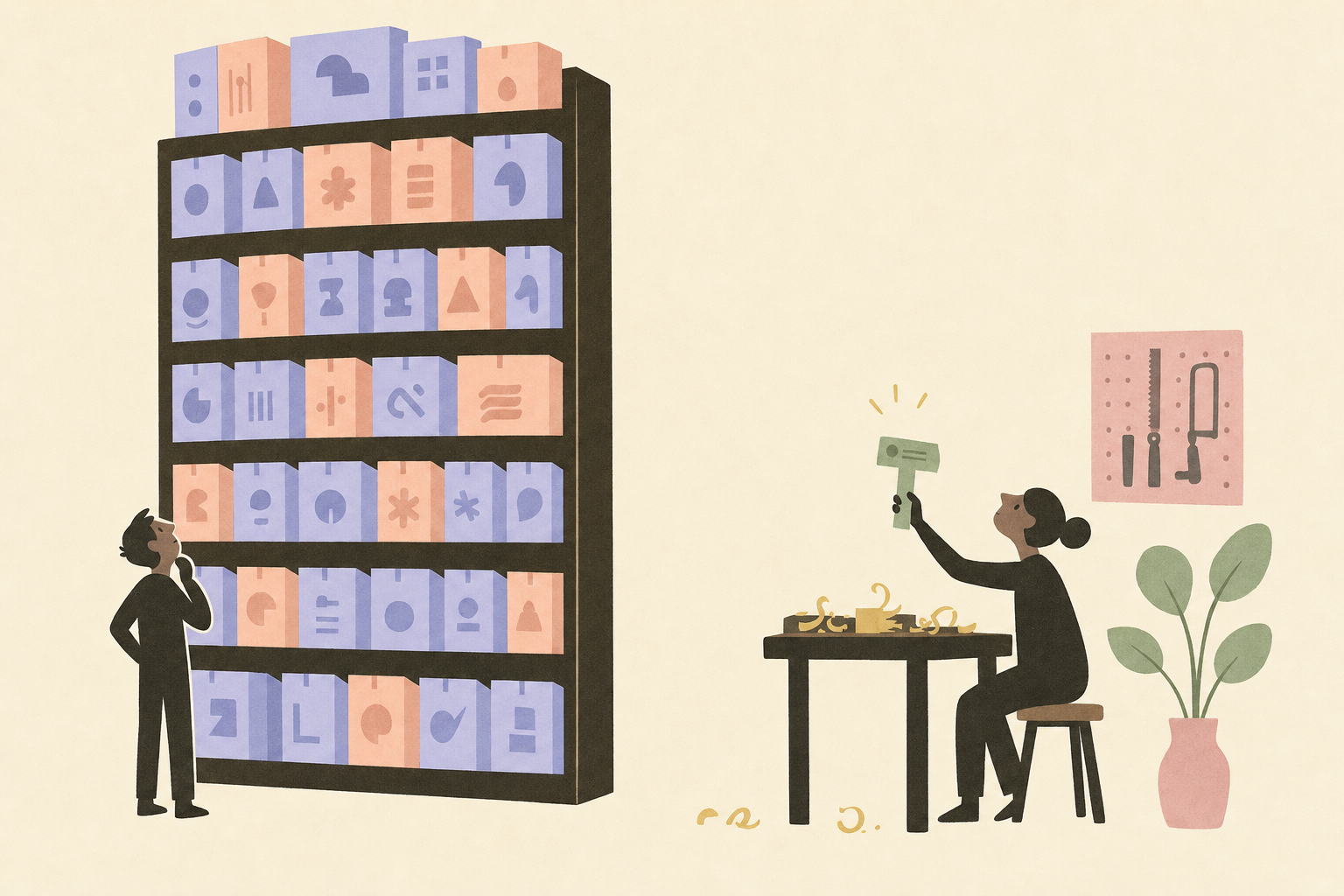
Under the different logos, every operating system treats the app as the unit of work. Someone else builds a finished app. You pick it from a shelf, an app store or an installer. The app keeps its own data in its own place, and moving anything from one app to the next is your job.
Your phone makes the same choice with nicer icons. Your customer’s name lives in your email, your CRM, a spreadsheet and your contacts, four copies, and none of them updates the others. When one changes, you’re the one who updates the other three.
The shelf made sense when programs were expensive
For most of the time we’ve had computers, a program needed a developer, a budget and months of work. So there were few programs, each one tried to do a lot, and choosing from a shelf was the reasonable way to get one. If no app on the shelf did your exact job, you did the gap by hand.
That’s no longer true. An AI writes the code now, and a tool for one job takes an afternoon. Once a tool is that cheap, the shelf stops being the limit. You could ask for the result you want and let the system find the app, or make one, and carry the work between apps for you. Operating systems still work the old way: you pick the app, then carry the work yourself.
Starting from the other end
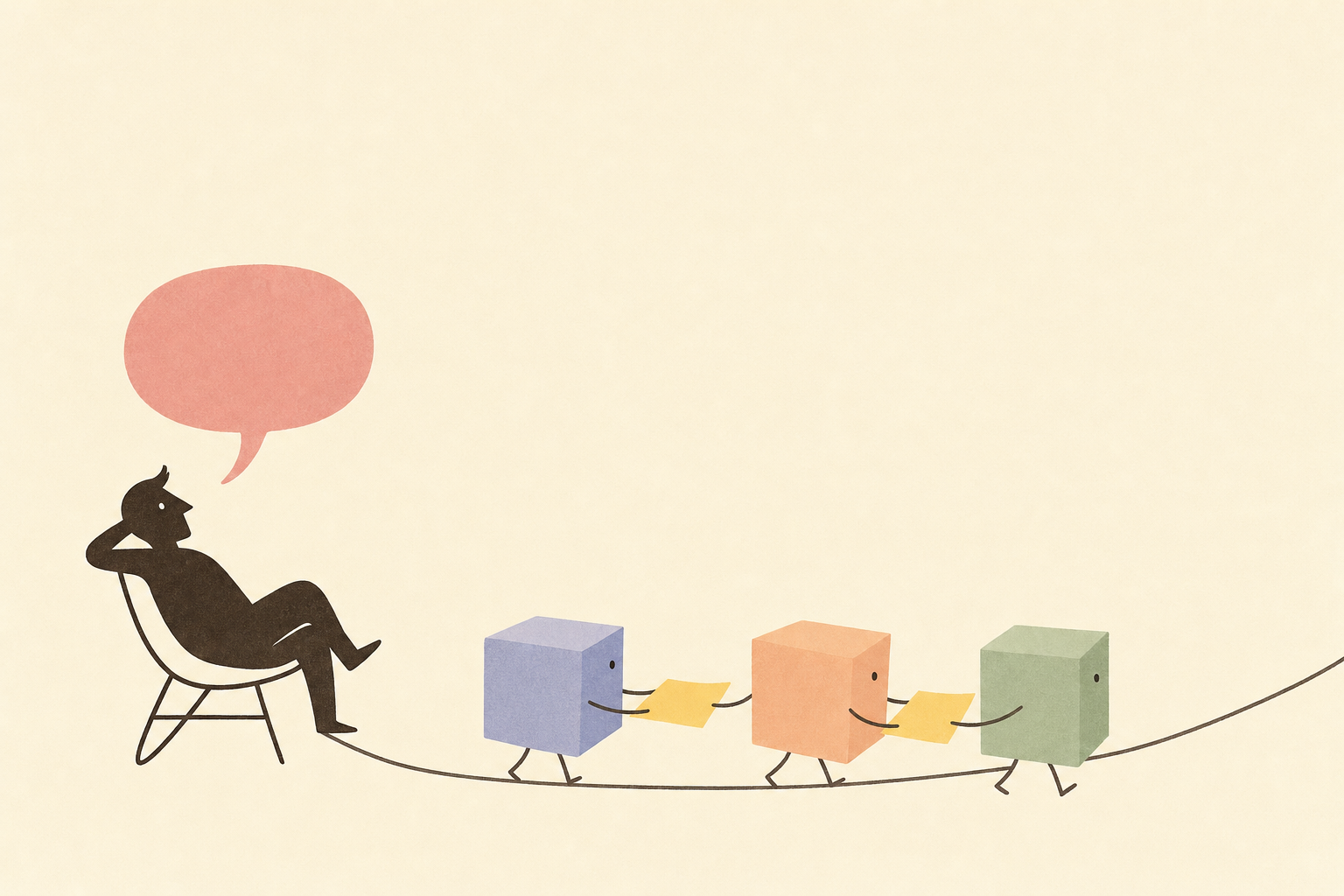
We’re building IntoChat as an operating system that starts from the other end, and it isn’t finished. In the version we’re building, the first thing you’ll see is a chat, called Ino, that knows what’s on your system: your apps, your files, the accounts you’ve connected. You’ll ask for the result, “answer this customer with the price from our list”, and it will open the apps it needs and do the carrying.
Apps won’t go away. You’ll still open them in windows when you’d rather click, and each one will say which accounts it connects to, so the chat asks before it uses them. And when someone builds an app you need, a link will be enough to get it.
Count the glue this week
You can see how much of your day goes to this without any new software. Pick one day this week and make a mark every time you copy something from one app and paste or retype it into another. At the end of the day, look at the three you did most.
Each of those is work you’re doing for your operating system. It’s also a good first job to hand to an assistant.