
Most of the software you use is built to last. A CRM, an ERP, an accounting package. You buy it once and use it for years.
Some software only needs to last a few days. Say your trade show is three weeks out, and you want a screen at the booth that greets visitors, shows your catalog and runs a small game.
That was a client of ours last year, before a trade show in Osaka. We built his screen with AI: a working version in four days, finished in just over a week. At the show he found a booth with almost the same screen. That company had hired a separate team and spent about six months on it.
Both screens did their job. Then the show ended, and neither was needed again.
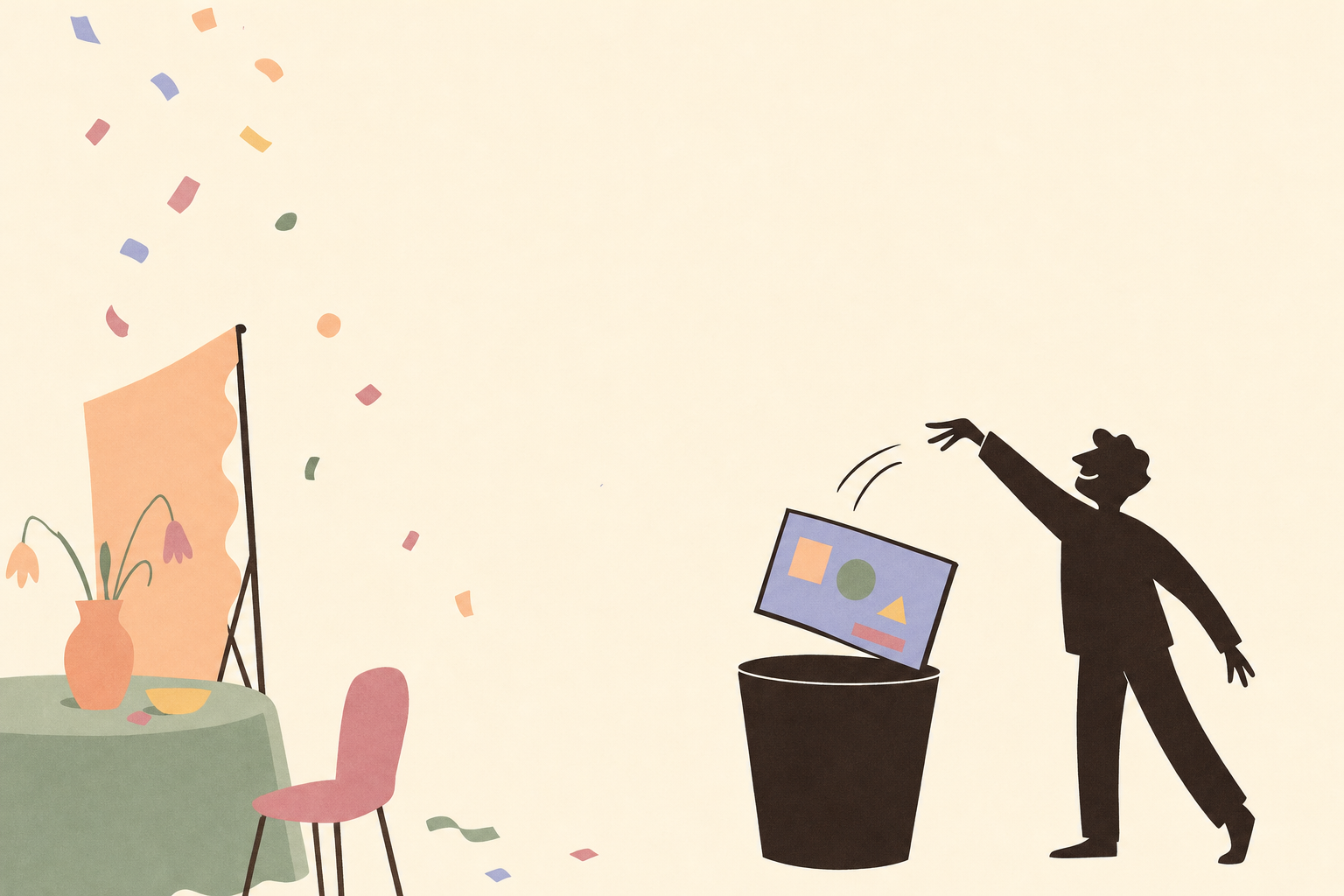
Software you throw away
Those screens are a second kind of software. A program written for one job, used while the job lasts, then deleted. Call it disposable software.
Developers have always written one-off scripts. What’s new is the price. A small custom tool used to cost almost as much as a real product: a developer, a budget, weeks of explaining. So you did the job by hand instead.
Now AI writes the code, and a tool for one job takes days, sometimes an afternoon.
Where it already pays off
You probably have a few jobs like that waiting.
One is ten years of orders. You need every order since 2016 in one file. In one spreadsheet an order is one row. In another it’s split across three rows and two tabs. The dates come in two formats. A small program reads every file, works out how each one is laid out, and writes one clean table. You run it once, then delete it.
Another is a quiz for your website. At Muncly, our consulting company, we used to pay for a quiz builder. It limited what a question could do, and the price kept going up. So we gave an AI our old project estimates, asked it to work out how we price a CRM project, and had it build the quiz. It runs on the Muncly site now.
Then there’s the monthly timesheet. Your client wants hours per day, per task, in their own Excel layout. A few lines of code produce exactly that file. It saves you an evening of copying every month.
The last is a one-off study. A market study needs its own tool: these sources, these questions, this table at the end. You build it the way a lab builds equipment for one experiment. When the study is done, the tool is done.
What still gets in the way
At this price, every team should be building small tools like these. Three things still stop them.
The AI tools that write the best code today, like Claude Code, run in a terminal. That’s the black window where developers type commands. If you’ve never used one, it’s a closed door. More in Three problems we built IntoChat to fix.
When you build a tool this way, it lives on your laptop. It’s saved as files in a folder on your own computer. The program that merged your orders sits in that folder. Your colleagues can’t run it, and next year nobody remembers it exists.
Big tools fall apart. An AI can only hold so much of a conversation in mind at once. Think of it as a desk: a small job fits on it, a big one spills over the edges. A tool for one job fits. A system with forty screens doesn’t, and halfway through, the AI starts forgetting what you agreed on. Big software still needs a person who knows how to split it into smaller pieces.
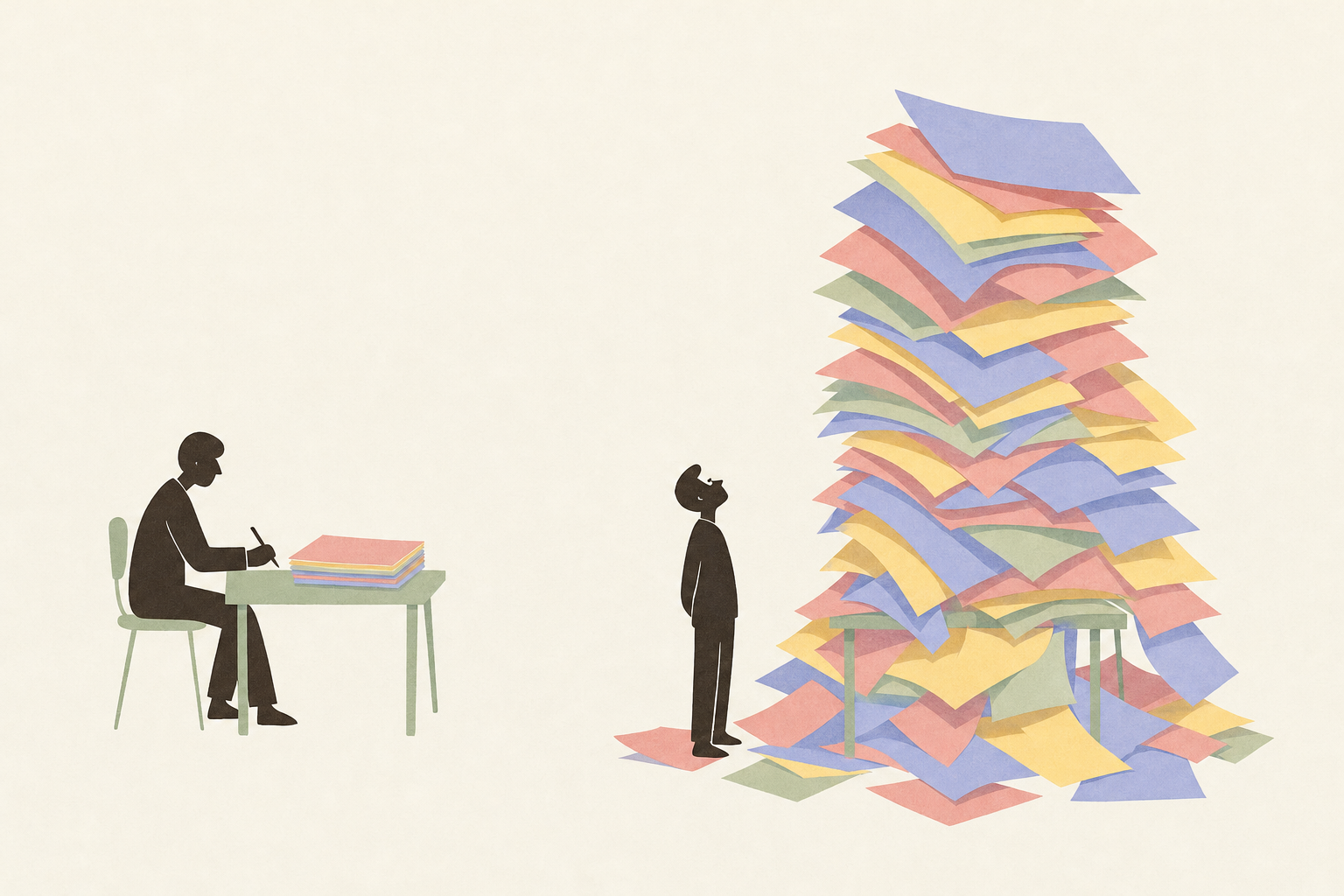
Three sizes of tool
Size is turning out to be the real question for us too. We’re building IntoChat, a chat that works on top of software like Salesforce, and this week we spent a whole morning arguing about what an app even is. Take a tool that finds new customers for you: it searches the web for companies, checks each one, finds the right person and drafts a first email. Is that one app, or four small ones chained together? And the button that turns your hours into the Excel file your client wants: is that an app at all?
Our conclusion: it doesn’t matter what you call it. Each one is a set of instructions the computer follows. What matters is how much damage it can do if something goes wrong, and so who should be allowed to build it. A button that exports a list to Excel can’t do much harm, so anyone on a team can make one. A tool with its own screens, which stores its own data and changes your customer records, can do real harm, so it needs more care.
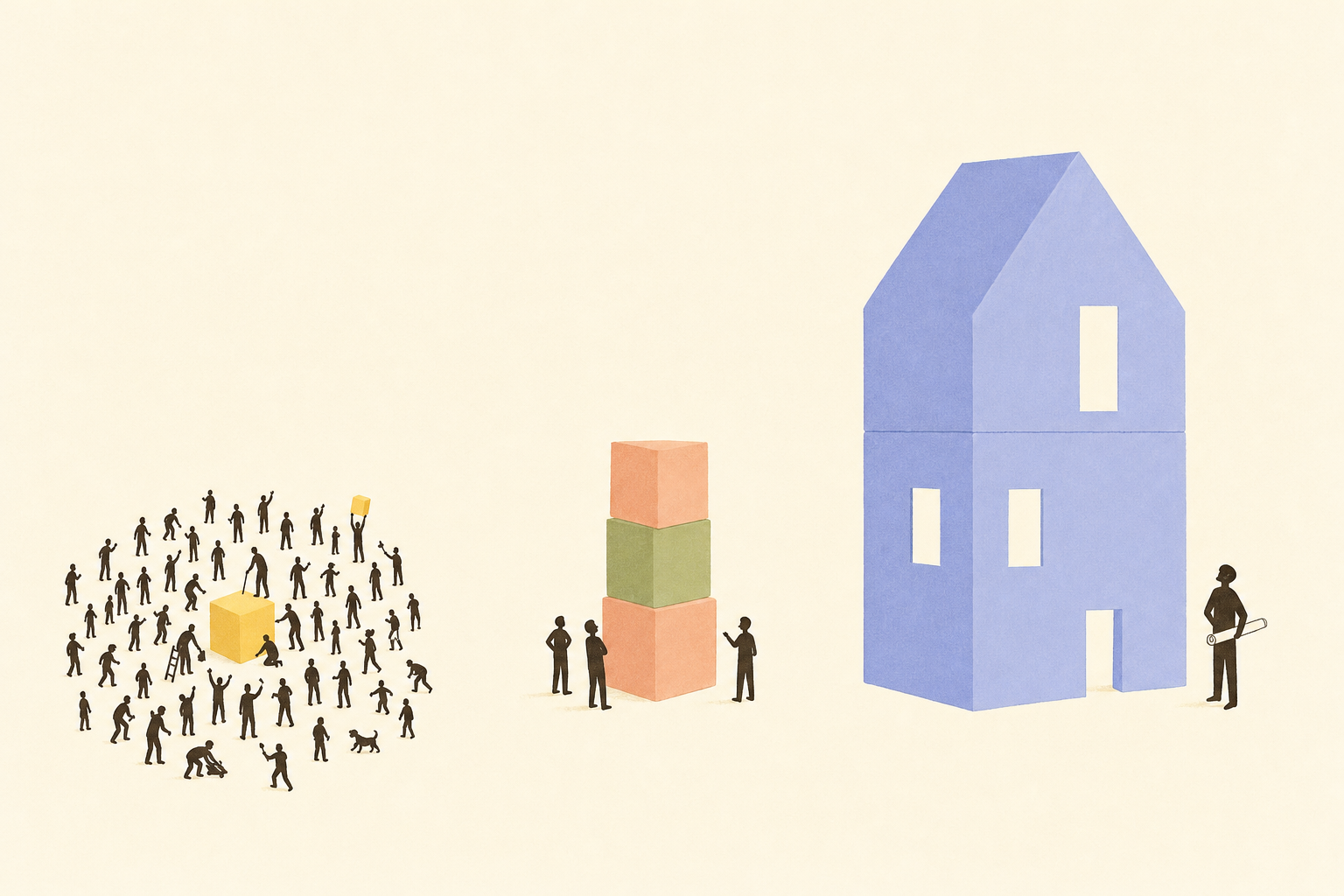
That gives three sizes. You can use them for any tool you’re about to build.
The smallest does one thing. Each time you use it, it starts fresh and remembers nothing from last time. “Export this list to Excel.” “Turn this page into a PDF.” You make it, use it once, and throw it away. We call these nano apps.
The middle size does a few steps and makes a few choices along the way, like “if the order is over €1,000, ask a manager first.” It can remember things from one use to the next. It can also sit as a small box inside a screen you already use, like a box on a customer’s page in your CRM that lists their open orders. You’ll mostly reuse these. We call them mini apps.
The largest has its own screens and keeps its own data. It mixes fixed instructions for the parts that must be exact with AI for the parts that need judgement. The Osaka screen was one. These take real design work.
The smaller the tool, the more people can safely build it, and the easier it is to throw away.
Throwing a tool away shouldn’t mean losing what you learned building it. If your AI remembers how you work, including what you built last time and how, the tool you deleted in March is quick to rebuild in April. For the tools worth keeping, see The person who does the job should automate it.
Some of them stay
Not every tool you build gets thrown away.
One of us kept a year of workouts in a chat with a personal trainer and scrolled through it before every session. One day with an AI and it became a phone app: today’s exercises in order and a rest timer between sets. It cost almost nothing, and it’s still in use.
That’s what cheap buys you. When a tool costs an afternoon, you can try ten and keep the one that sticks.
So look at your week and find one job a small tool could do. Build it. Keep it if it earns its place.